

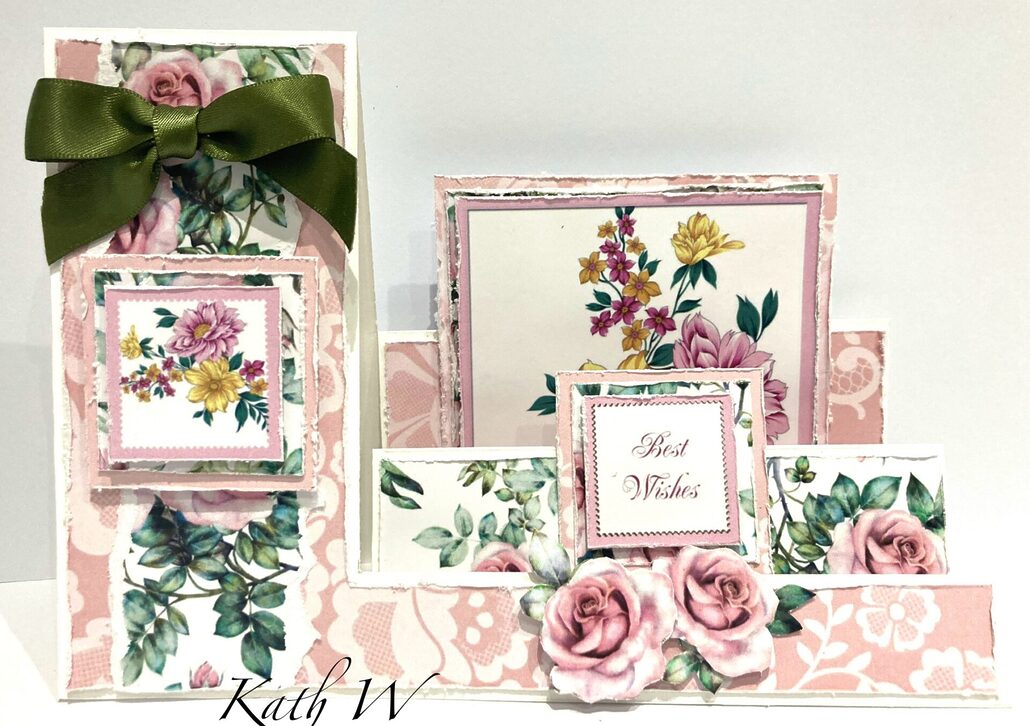

Side Stepper Card Using MyCraftStudio Botanical Blooms Download Archive
You will need:
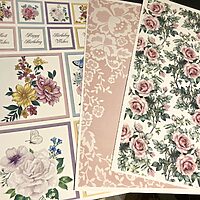
- MyCraftStudio Botanical Blooms download (topper sheet 7, background 125, and lace 11)
- White card stock
- Craft Master Side Stepper Card Template
- Scoreboard
- Pencil
- Eraser
- Scissors
- Guillotine
- Glue
-

- Step 1 Print the artwork onto 250GSM Pure Print paper.
-
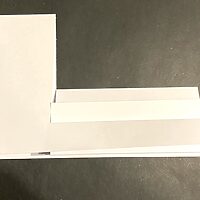
- Step 2 Make the Side Stepper card using Craft Master template, the instructions, and the mat & layers, are available to download from the website once you purchase the template.
-
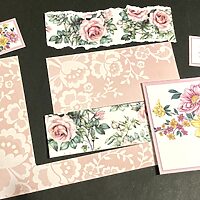
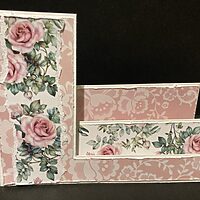
- Step 3 Cut the layers from the pink lace background, and also from the roses background, (see picture) tear a piece of the rose paper to fit the front left hand panel.
-
- Step 4 Using scissors, rough up the edges of each layer, and stick to the card base.
-
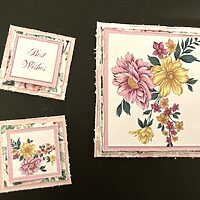
- Step 5 Add the mat & layers to the toppers using the pink lace and rose background papers. Glue the large topper to the back of the stepper card, and the smaller to the middle step (best wishes), then the other floral topper to the left hand side.
-
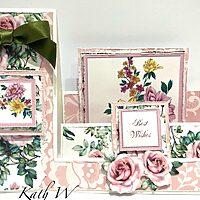
- Step 6 Fussy-cut some roses and leaves, and decorate the front using 3D glue gel. Add a bow, and the card is complete!



How much is your set what is the price please
Hi Annette,
I’m happy to say you can find the My Craft Studio download and the stencil set mentioned on the below links:
My Craft Studio Botanical Blooms Download
Craft Master Side Stepper Card Template Stencil
:)