


Adding Foil-Effect Pages To The Craft Master 3D Book Box By Kath W
Hello everyone, today I have a bit of a different tutorial. For those of you who have purchased the Craft Master 3D Book Box Template that I designed, and were wondering how I achieved the foiled looked pages, here is how to do it!
You will need:
- Craft Master Cardmaker’s Club 3D Book Box Template
- Silver or gold mirror card
- Guillotine
- Scoring board / tool
- Glue / double-sided tape
-

- Step 1 Create the 3D Book Box using the Craft Master template instructions that are available on the website. Step 2 Once you have created the box, measure the length and width of the three book page sides, and make a note of the measurements to use when cutting the mirror card.
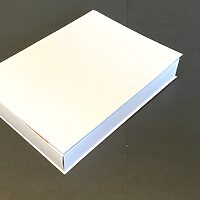
-
- Step 3 Using a scoreboard and scoring tool, score vertical lines from top to bottom of the gold or silver mirror card. I use an A4 sheet approximately 1 or 2mm apart, as it is easier to score this way.
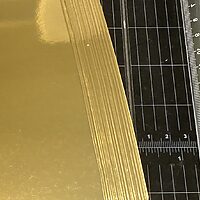
-
- Step 4 Cut with a guillotine each piece using the measurements you took earlier for each piece.
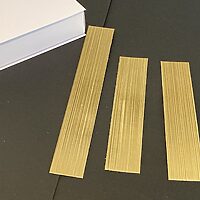
-
- Step 5 Add strong tape or glue to the back of the page pieces, and stick onto the book box.
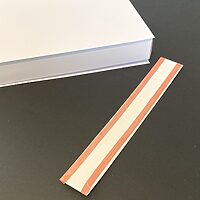
-
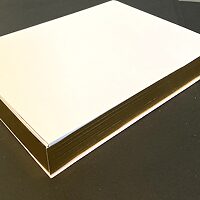
- Your foiled edges are done!
Happy crafting from Kath W 😊


Leave a Reply
Want to join the discussion?Feel free to contribute!